
Start with the website requirements
Define whether you need a blog, store, directory or company website, and list the essential functions. Distinguish theme features from plugin features; a store demo does not establish which ecommerce plugins or licences are included.
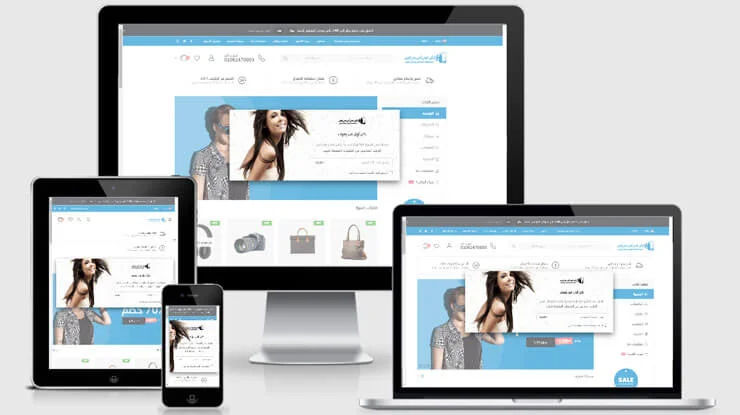
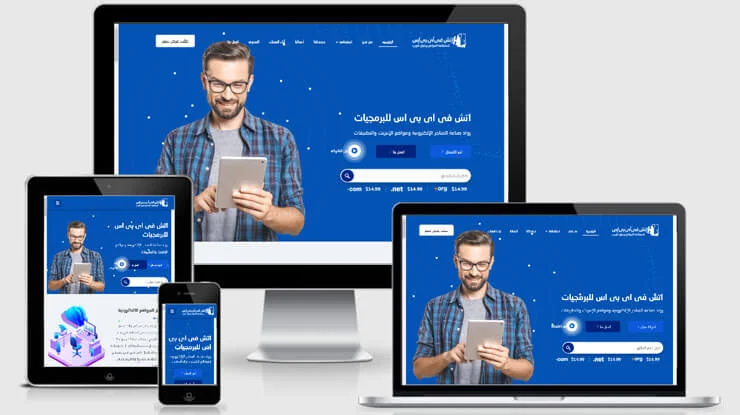
Test the demo and mobile layout
Test reading, navigation, forms and search on small screens and modern browsers. Review imagery, buttons, contrast and navigation rather than relying only on the visual impression.
Calculate the cost of ownership
Consider the theme price, support renewals, paid plugins, customisation and hosting. Obtain licensed files and check the update history. Test performance; an SEO Ready label does not guarantee rankings.
Tutorial screenshots
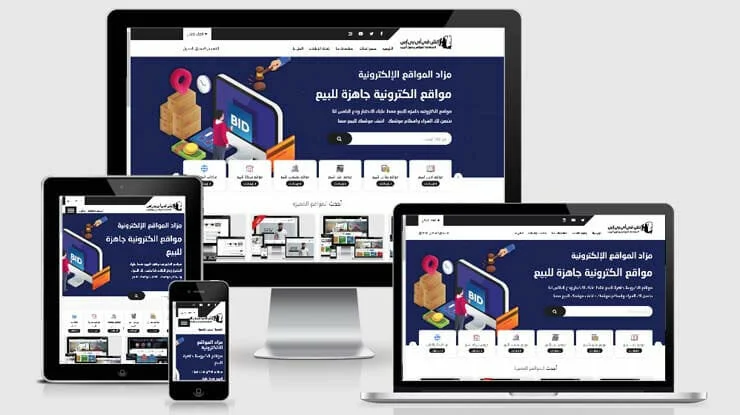
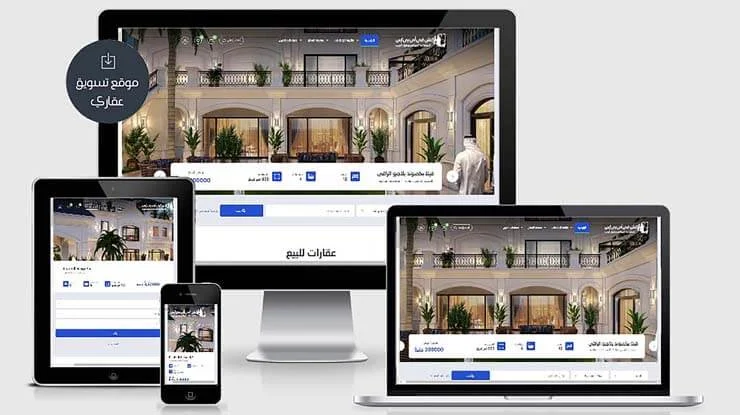
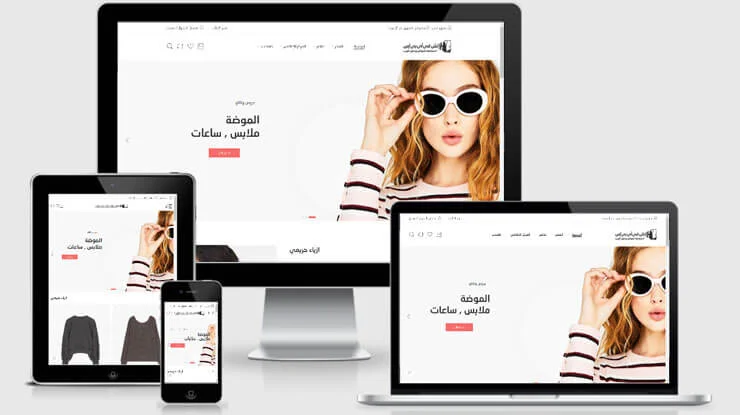
These images belong to the original tutorial; follow the reviewed instructions above where interfaces differ.


References and tutorial links
What does this guide cover?
Choose a paid theme by project fit, maintenance and licensing rather than effects or price alone.
Do screenshots and videos show the newest interface?
Original media are retained. Interfaces can vary by release; use the reviewed written steps and documentation links.
How can I ask for help with my situation?
Send the service name, release, error message and a description to support. Do not publish passwords or sensitive connection details.