
What does Yoast SEO do?
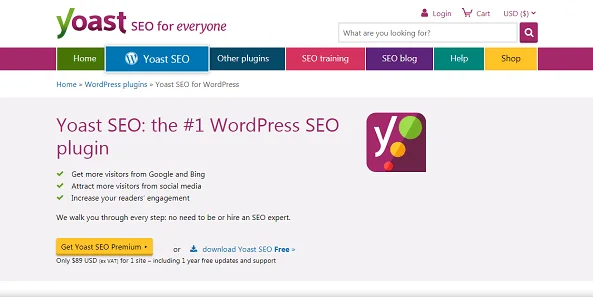
Yoast manages WordPress SEO elements including titles, descriptions, XML sitemaps and structured data. It cannot replace useful content or guarantee crawling, indexing or rankings. Start with the page purpose, audience and question it answers, then use the plugin to support that content.
Install and migrate safely
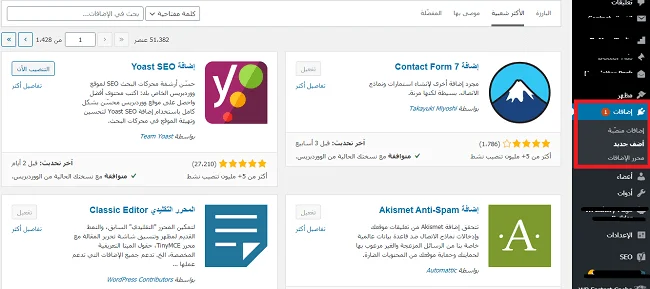
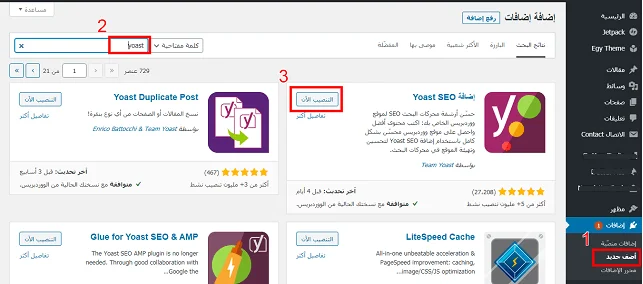
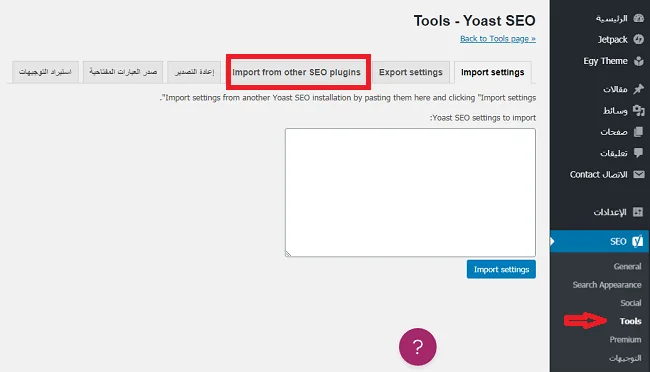
Back up files and the database, then install Yoast SEO from the official WordPress directory. If migrating from another SEO plugin, check its supported import options before disabling it. Inspect representative content types after migration and avoid two plugins producing competing titles and indexing directives.
First-time configuration and site identity
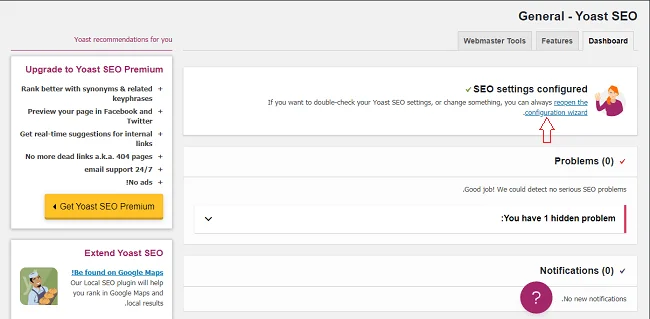
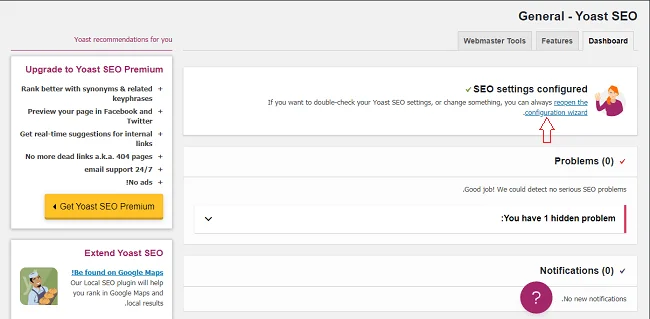
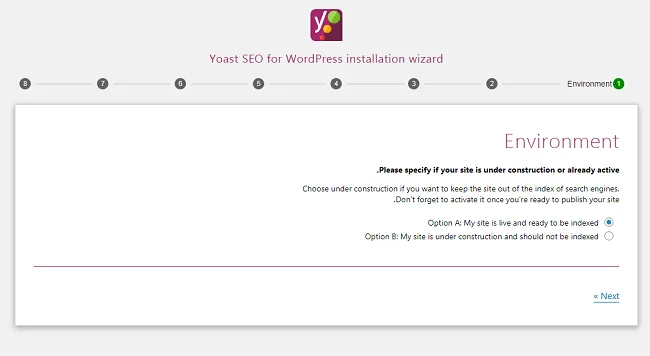
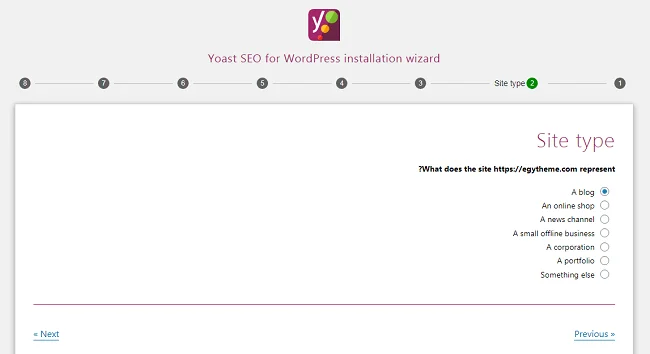
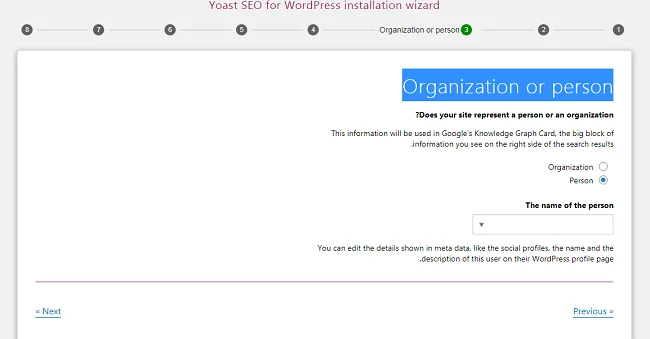
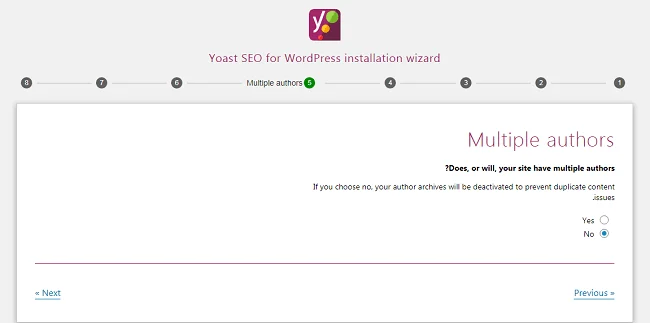
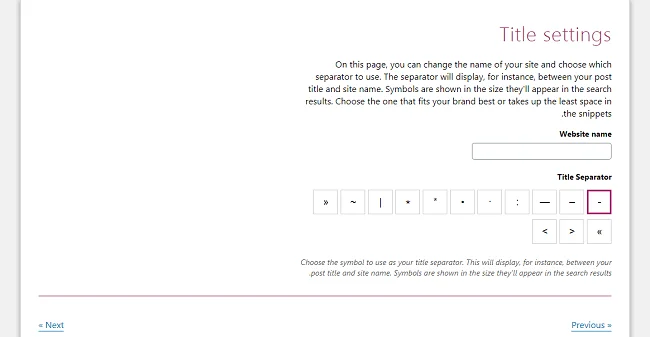
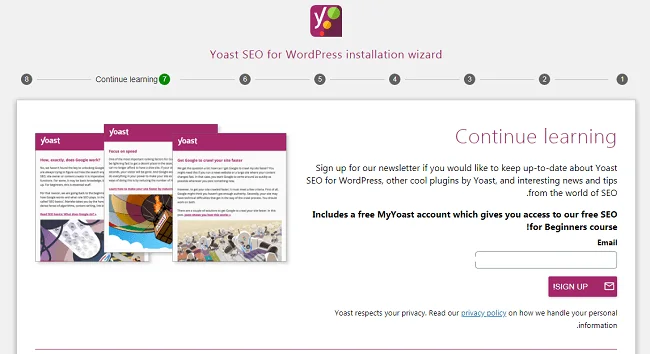
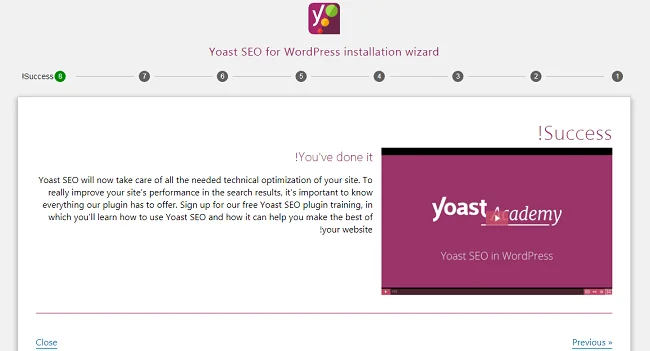
Open Yoast SEO, General, then First-time configuration; translated labels may vary. Review SEO data optimization, select whether the site represents an organization or a person, and supply accurate names, logos and official profiles. Set preferences deliberately and avoid invented authors or unrelated social accounts.
Titles, descriptions and focus keyphrases
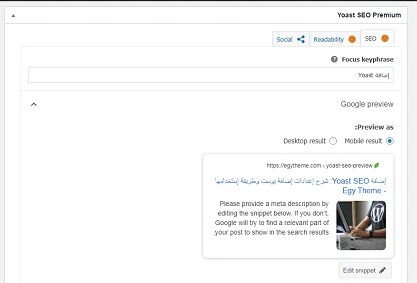
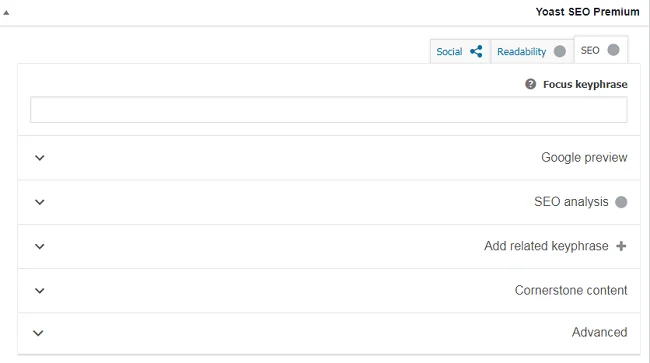
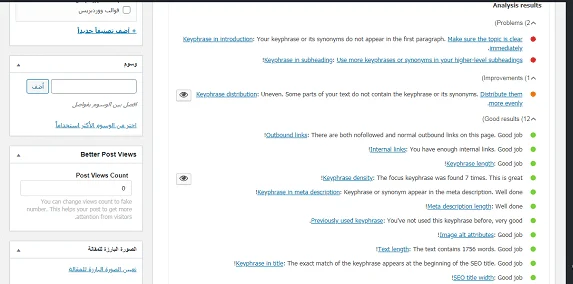
Write a distinct title that explains the page value and a description that summarizes it accurately. Use the focus phrase naturally rather than repeating it to turn checks green. The focus keyphrase field is an internal analysis aid, not a keyword submission to Google. Google may choose a different title or snippet for a query.
Sitemaps, indexing and structured data
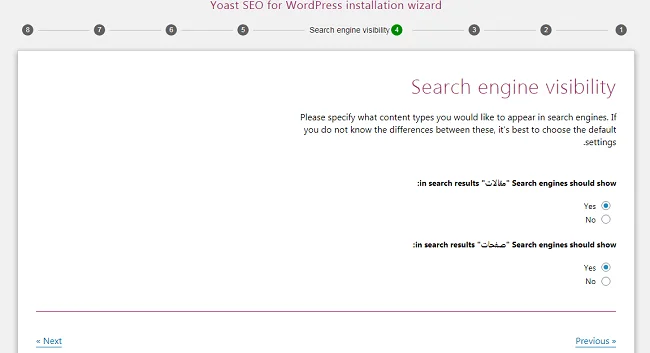
Review content-type and taxonomy visibility before changing it, and inspect the actual XML sitemap generated by the plugin. Submit its correct URL in Search Console and check that it contains canonical, indexable pages. Review theme-generated structured data too: organization and article identities should be consistent across theme and plugin output.
Validate after saving
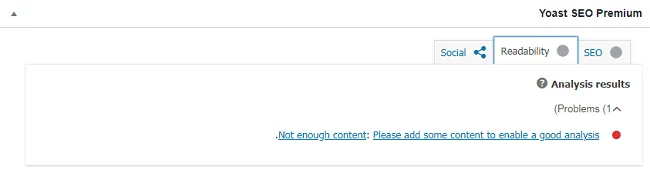
Check the home page, an article and an archive: inspect titles, descriptions, canonicals and indexing directives in the rendered source. Use Search Console URL Inspection for important pages and verify internal links. Monitor actual performance over time; a green plugin score alone does not demonstrate content quality or immediate visibility.
Original article images
These are preserved original media and may depict obsolete tools or interfaces. Use the reviewed instructions above for current practice.
References and tutorial links
- yoast.com — Source documentation
- wordpress.org — Source documentation
- developers.google.com — Source documentation
- developers.google.com — Source documentation
- Google News eligibility and website preparation
- Improve WordPress speed and performance
- Get your website ready for Google indexing
- Why pages are not indexed and how to diagnose it
- Index blog posts: a practical publishing checklist
Do I need Premium to start SEO?
The free version provides core features. Check the current feature list and buy only what your workflow needs.
Does a green score guarantee rankings?
No. It is an internal guidance score, not a Google indexing or ranking decision.
Can I run two SEO plugins together?
Avoid overlapping title, directive and sitemap output. Plan migration and verify imported data first.