

Embed from SoundCloud
Open a track or playlist that allows embedding, choose Share and then Embed, preview the player and copy its code. Insert it into an HTML component that supports iframes or use your platform’s supported embed method.
Identify the plugin in use
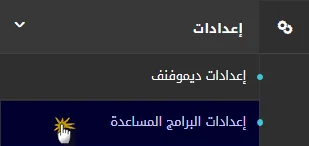
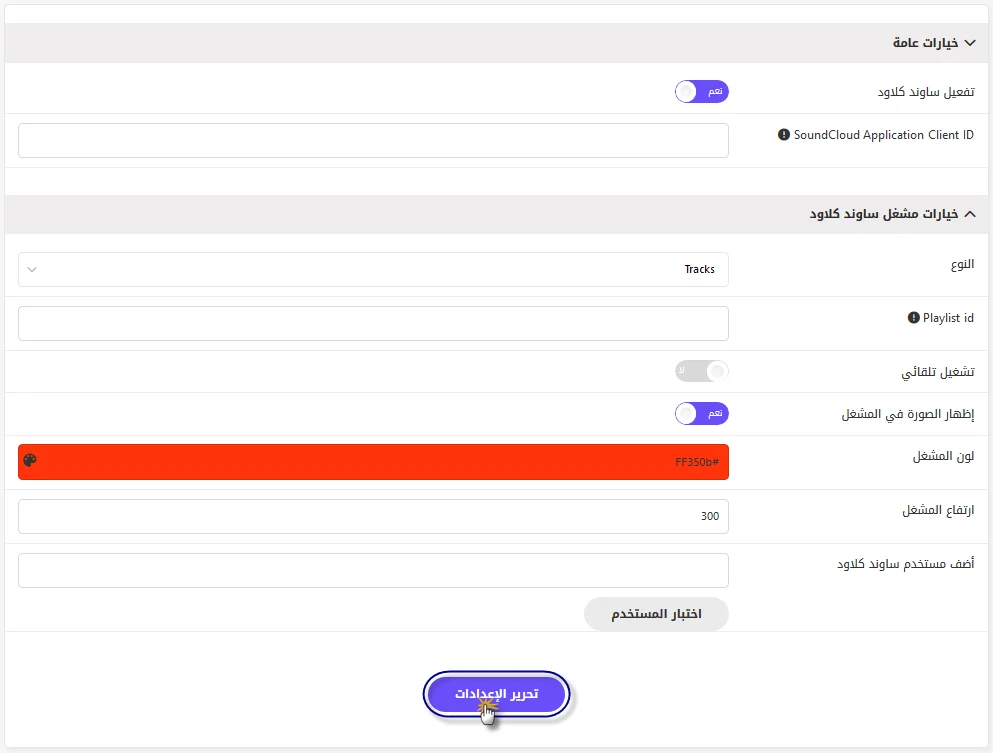
The original screenshots show an older plugin with user-group settings; that interface does not appear on every website. Identify the actual plugin and release before changing its options. WordPress may support embedding the track link directly.
Test playback and layout
Test desktop and mobile playback, track availability and embedding permissions. Use content you are entitled to publish and apply the privacy and consent settings used by your website.
Tutorial screenshots
These images belong to the original tutorial; follow the reviewed instructions above where interfaces differ.



References and tutorial links
What does this guide cover?
Embed a SoundCloud player and distinguish current embedding from an older plugin interface.
Do screenshots and videos show the newest interface?
Original media are retained. Interfaces can vary by release; use the reviewed written steps and documentation links.
How can I ask for help with my situation?
Send the service name, release, error message and a description to support. Do not publish passwords or sensitive connection details.